Recalls that get booked
When a recall your team set in Cliniko falls due, Luha texts the patient with real open times and books the one they pick.
UsesRecalls · Available times · Individual appointments

 For Cliniko clinics
Recalls that book themselves, cancellations that record their reason, and every text logged against the patient. Luha builds custom automations on top of Cliniko so your front desk can focus on the people in front of them.
AppointmentsTue 12 NovIllustration · sample data
Each one uses Cliniko's own API, so it works with the records your team already keeps. Mix and match, or tell us what you need and we'll build it.
When a recall your team set in Cliniko falls due, Luha texts the patient with real open times and books the one they pick.
UsesRecalls · Available times · Individual appointments
Patients reply to cancel and Luha cancels in Cliniko with the matching reason, like Feeling better or Away, so your reports stay accurate.
UsesIndividual appointments · Cancellation reasons
Appointments marked as did not arrive trigger a same-day text to rebook, before the patient drops out of care.
UsesIndividual appointments
Send the forms you've already built in Cliniko by text. Completed forms land straight on the patient's file.
UsesPatient form templates · Patient forms
Each message Luha sends is recorded in the patient's Communications, so the whole conversation is visible without leaving Cliniko.
UsesCommunications · Patients
Luha checks Cliniko for invoices that are still unpaid and sends polite reminders until they're settled.
UsesInvoices
Exactly what's connected depends on the automations we build for your clinic. We'll walk you through the setup.
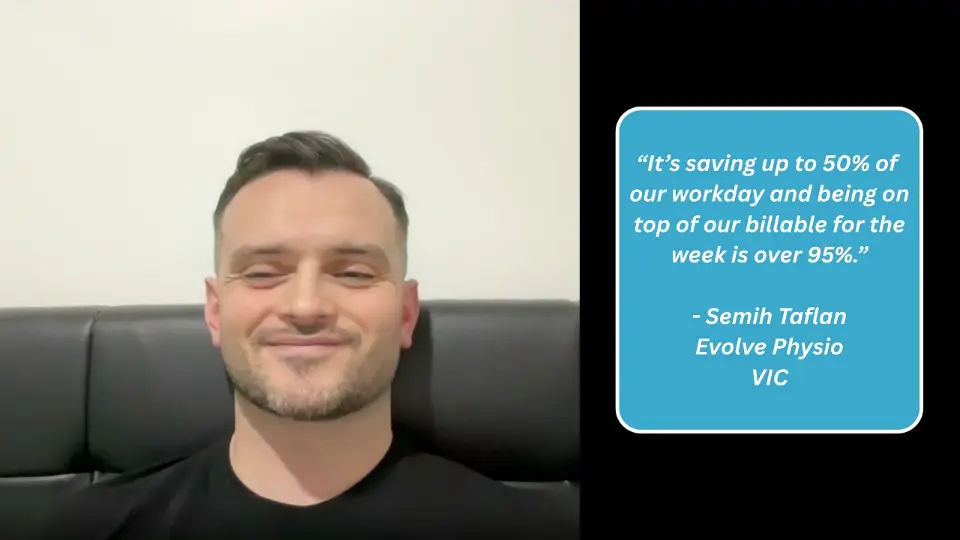 Video story
“It's saving up to 50% of our workday, and being on top of our billables for the week is over 95%.”
 Semih TaflanEvolve Physio · VIC
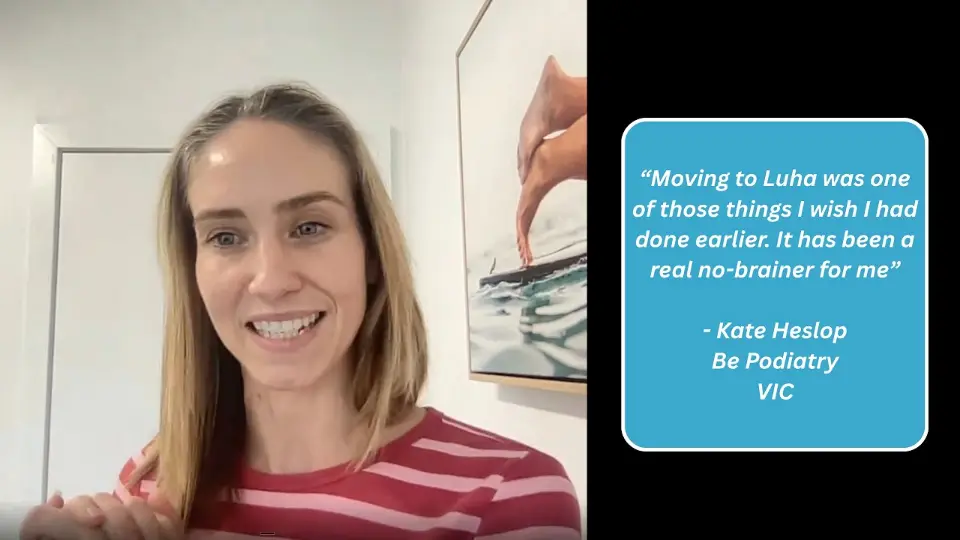 Video story
“Moving to Luha was one of those things I wish I had done earlier. It has been a real no-brainer for me.”
 Kate HeslopBe Podiatry · VIC
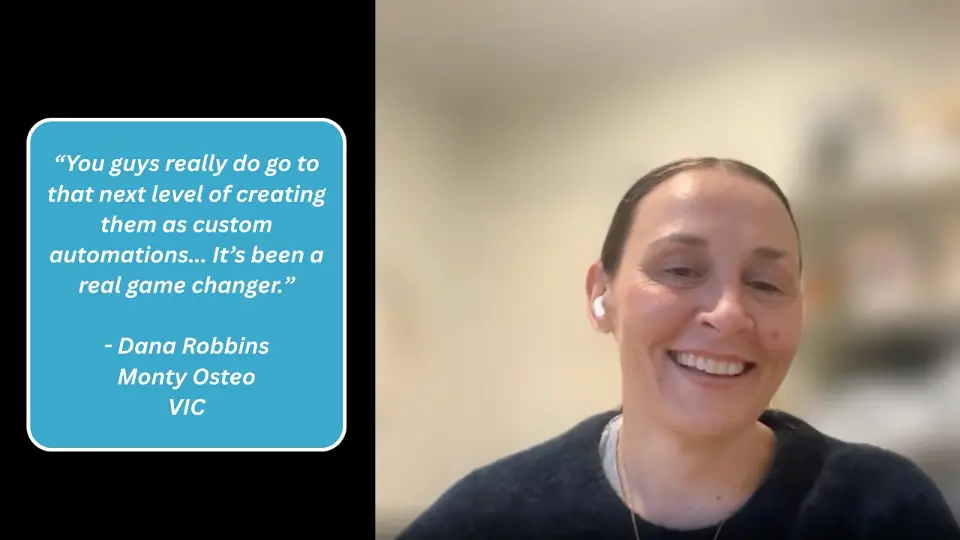 Video story
“You guys really do go to that next level of creating them as custom automations. It's been a real game changer.”
 Dana RobbinsMonty Osteo · VIC
Yes. Luha can log every message it sends in the patient's Communications in Cliniko, so the front desk sees the full conversation without switching systems.
An API key from a Cliniko user account, created under My Info. We'll walk you through it during setup, and deleting the key in Cliniko disconnects Luha straight away.
Yes. Luha reads the recalls your team creates in Cliniko, texts patients when they're due and offers real available times to book.
Luha cancels the appointment in Cliniko with the matching cancellation reason and can offer the freed-up time to other patients.
Book a free 30-minute consultation. We'll look at where admin time goes in your clinic, then send a custom proposal with a clear timeline and investment details. Implementation includes training for your team and ongoing support once you're live.
Other integrations
Cliniko is a trademark of its owner. Luha is an independent service and is not affiliated with or endorsed by Cliniko. Illustrations use sample data.
Start with a free 30-minute strategy session to find where admin time goes in your clinic and what to automate first.