Waiting list to booked
When someone cancels, Luha texts the next client on your Nookal waiting list and books whoever confirms first.
UsesWaiting list · Availabilities · Appointments

 For Nookal clinics
Luha works with your Nookal waiting list, classes and invoices, filling gaps by text and recording the results back in Nookal, across every location you run.
DiaryWednesdayWaiting list
Illustration · sample data
Each one uses Nookal's own API, so it works with the records your team already keeps. Mix and match, or tell us what you need and we'll build it.
When someone cancels, Luha texts the next client on your Nookal waiting list and books whoever confirms first.
UsesWaiting list · Availabilities · Appointments
Open spots in Pilates, rehab or group classes are offered by text, and clients who say yes are added to the class in Nookal.
UsesClasses · Class availability · Participants
Clients are reminded when a class pass or package is nearly used, so they renew before it runs out.
UsesPasses · Pass redemptions
Payments collected through a Luha automation are added against the client's invoice in Nookal, so reconciling is already done.
UsesInvoices · Payments
Completed intake and consent forms are uploaded to the client's files in Nookal.
UsesClients · Client files
Run different automations for each clinic location, using only the locations you approve in Nookal.
UsesLocations · Staff · Services
Exactly what's connected depends on the automations we build for your clinic. We'll walk you through the setup.
Custom automations Luha has already made for clinics running on Nookal.
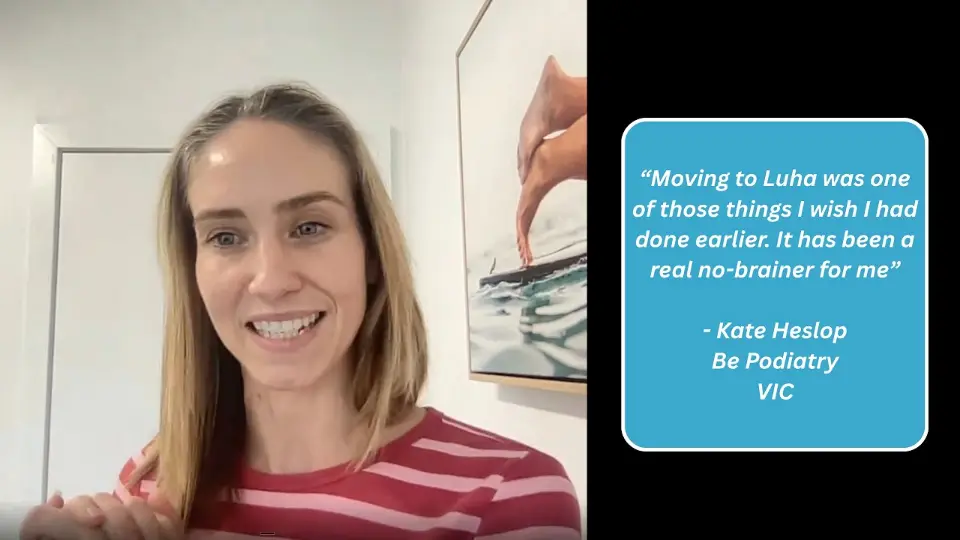 Video story
“Moving to Luha was one of those things I wish I had done earlier. It has been a real no-brainer for me.”
 Kate HeslopBe Podiatry · VIC
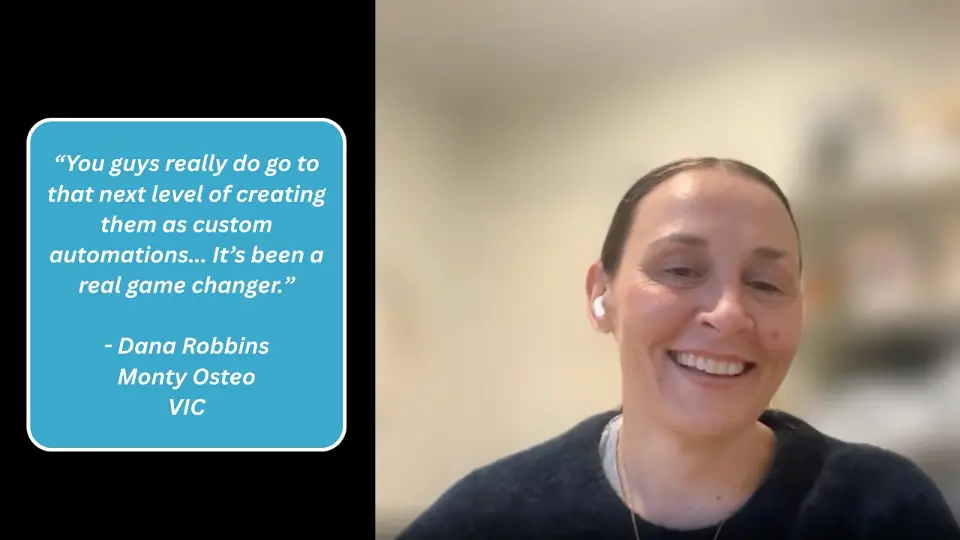 Video story
“You guys really do go to that next level of creating them as custom automations. It's been a real game changer.”
 Dana RobbinsMonty Osteo · VIC
 Video story
“We can come to you with any gaps in our clinic, and you guys come up with the automations for us.”
 Matthew AngelActive Foot Clinic · NSW
Yes. Luha can read class availability in Nookal, offer open spots by text and add clients who confirm to the class.
Yes. Nookal lets you approve which locations the integration can access, and automations can be set up differently for each one.
Yes. Nookal's API lets Luha add payments against invoices, so payments collected through an automation are recorded against the right client invoice.
Through Nookal's API, using secure client credentials set up in your Nookal account. You choose the actions and locations Luha can use.
Book a free 30-minute consultation. We'll look at where admin time goes in your clinic, then send a custom proposal with a clear timeline and investment details. Implementation includes training for your team and ongoing support once you're live.
Other integrations
Nookal is a trademark of its owner. Luha is an independent service and is not affiliated with or endorsed by Nookal. Illustrations use sample data.
Start with a free 30-minute strategy session to find where admin time goes in your clinic and what to automate first.